The Wedding Photographer Nobody Could Find — Until the Images Themselves Started Working for Her

1. The Wake-Up Call: Portfolio Vulnerability
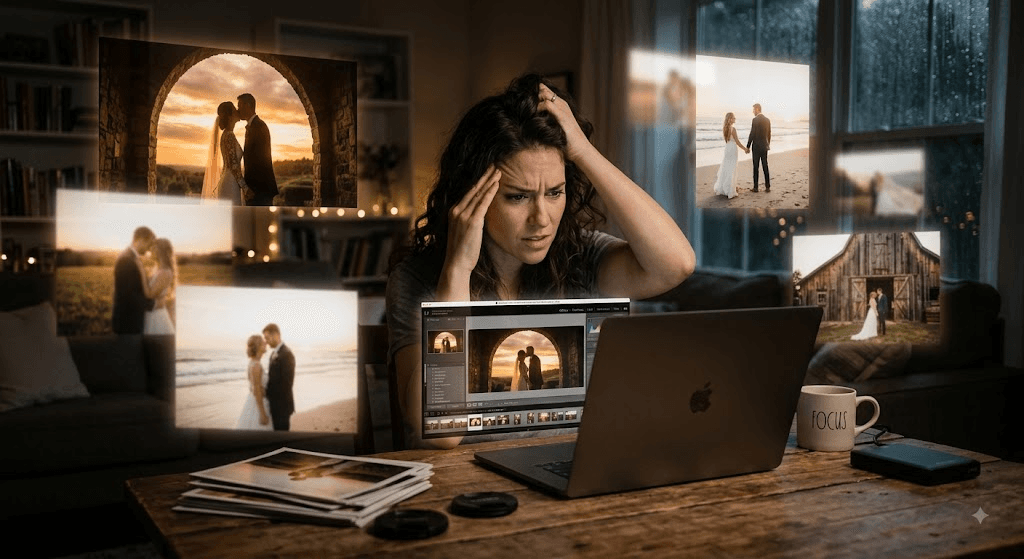
Jordan had built her wedding photography portfolio the way most photographers do: image first, everything else second. Full-resolution shots of golden-hour first dances, tearful vows, and candid reception moments filled every page. It was, by any visual measure, gorgeous work. But her inquiry form had gone quiet, and when she finally checked her analytics, the truth stung — her site barely showed up in regular search, and it was completely absent from Google Images, even for a phrase as specific as "outdoor wedding photographer golden hour."
For a photographer, that's not a minor inconvenience. Image search is the storefront. So Jordan dug into what was actually happening under the hood of her site, and what she found changed how she thought about photography SEO for good.
A speed test told her what she feared. Her homepage gallery alone was pulling in over 15MB of images, all uncompressed camera exports. For most businesses that's bad. For a photographer, it's almost self-defeating — the very thing meant to prove her skill was driving visitors away before the page even finished loading. Slow-loading images hurt page speed, and page speed feeds directly into Core Web Vitals, which search engines weigh when deciding who ranks and who doesn't. Her portfolio was, in effect, competing with itself.
2. Choosing Formats: Quality vs. Speed
Photographers have a harder format decision than most, because image quality is the product. Jordan learned that WebP typically delivers files 25–34% smaller than JPEG at comparable quality, while AVIF can shrink files another 20–30% beyond WebP, sometimes cutting file size in half versus a traditional JPEG.
For her full galleries and hero images, she moved to WebP with an AVIF option for supported browsers, using the <picture> element to fall back gracefully to JPEG for anyone on an older browser. For the handful of showcase prints she wanted to display at maximum fidelity — the images she was proudest of — she kept a lossless option available rather than compressing away every last detail.
3. Smarter Alt Text: Image to Search Result
Jordan's alt text, when it existed at all, said things like "IMG_4821" or "wedding photo." Neither told search engines — or a visually impaired bride researching photographers — anything useful.
She rewrote her portfolio descriptions to be specific and grounded in real detail: "Bride and groom first dance under string lights at outdoor vineyard wedding" instead of nothing at all. She kept most descriptions under roughly 125 characters, skipped filler phrases like "image of," and made sure decorative flourishes on the page carried an empty alt attribute so they wouldn't clutter a screen reader. The result read naturally, and it also happened to contain exactly the kind of descriptive, location-and-style language couples search for.
4. Compression Without Compromising the Craft
This was the trade-off Jordan worried about most. Would compression flatten the very detail she'd spent hours editing? She learned that:
Her practice settled into a rhythm: resize every image to its actual display size first, apply lossy compression to full galleries, and reserve lossless treatment for the small set of hero and print-quality images where every detail needed to survive.
5. Responsive Delivery: The Right Screen Size
A bride swiping through a gallery on her phone during a lunch break doesn't need the same 4000-pixel file a desktop visitor gets on a large monitor.
Jordan implemented srcset and sizes so browsers could automatically choose an appropriately sized image for each device, dramatically cutting mobile load times without sacrificing quality on larger screens. She also specified image dimensions up front so thumbnails stopped shifting the page around as they loaded — a fix that improved both user experience and her Core Web Vitals scores in one move.
6. Schema Markup: Structured Search Marketing
The final piece was structured data. By adding ImageObject schema — including captions, dimensions, and descriptive names — Jordan gave search engines richer context about each photograph. That made her images eligible for more prominent treatment in Google Images results, the kind of extra visual detail that catches a scrolling bride-to-be's eye and earns a click through to the portfolio instead of a competitor's.
7. Results: From Invisible to Booked Out
Within a few months, Jordan's load times dropped sharply, her bounce rate fell, and her portfolio started appearing in Google Images for exactly the searches her ideal clients were typing — "golden hour wedding photography," "candid outdoor wedding photographer."
Inquiry forms started filling up again, several couples mentioning they'd found her "through a photo," which was, in a way, exactly the plan all along.
Nothing about Jordan's photography changed. The light was still golden, the compositions still hers. What changed was whether the internet could actually find and reward that work. That's the real promise of image SEO for photographers: it doesn't ask you to shrink your standards, only to make sure the images speak loudly enough for search engines — and future clients -- to hear them.
Table of Contents
Exploring the intersection of photography, short-form frames, and AI workflows.
Connect & CollaborateRelated Articles

Corporate Headshots in Delhi NCR: The Visual Director's Guide to Executive Authority
Strategic Guide to High-Impact Corporate Photography in Cyber City, Aerocity, and South Delhi

Corporate Videography in Delhi: How Visual Storytelling Scales Modern Brands
In Delhi-NCR's competitive business ecosystem, standard promotional reels are no longer enough. Here is how modern enterprise brands use cinematic storytelling, executive interviews, and AI color workflows to build lasting authority.